
Publishing a post and dropping an affiliate link into it is the easy part. Getting that link in front of someone who is ready to click, on a page they’re reading at the exact moment they’re deciding whether to buy, is a different job entirely. This piece assumes you already know the SEO fundamentals covered in The Role Of SEO In Affiliate Marketing and have content live. What follows are the specific placements and channels that turn existing traffic into clicks, and a way to check which ones are actually earning commissions before you spend more time building them.
Why where you place a link matters more than how many you have
A link buried in paragraph nine of a post nobody scrolls to is worth less than a link sitting in the one sentence a reader actually needed answered. Volume of links has almost nothing to do with volume of clicks. What matters is whether the link sits at the moment someone is already leaning toward a decision.
Think about the difference between a reader skimming a general “what is X” article and a reader who typed “X vs Y” into a search bar. The second reader has already decided to buy something; they’re just deciding which thing. A link placed in front of that second reader converts at a completely different rate than the same link placed in front of the first one, even if both pages get identical traffic.
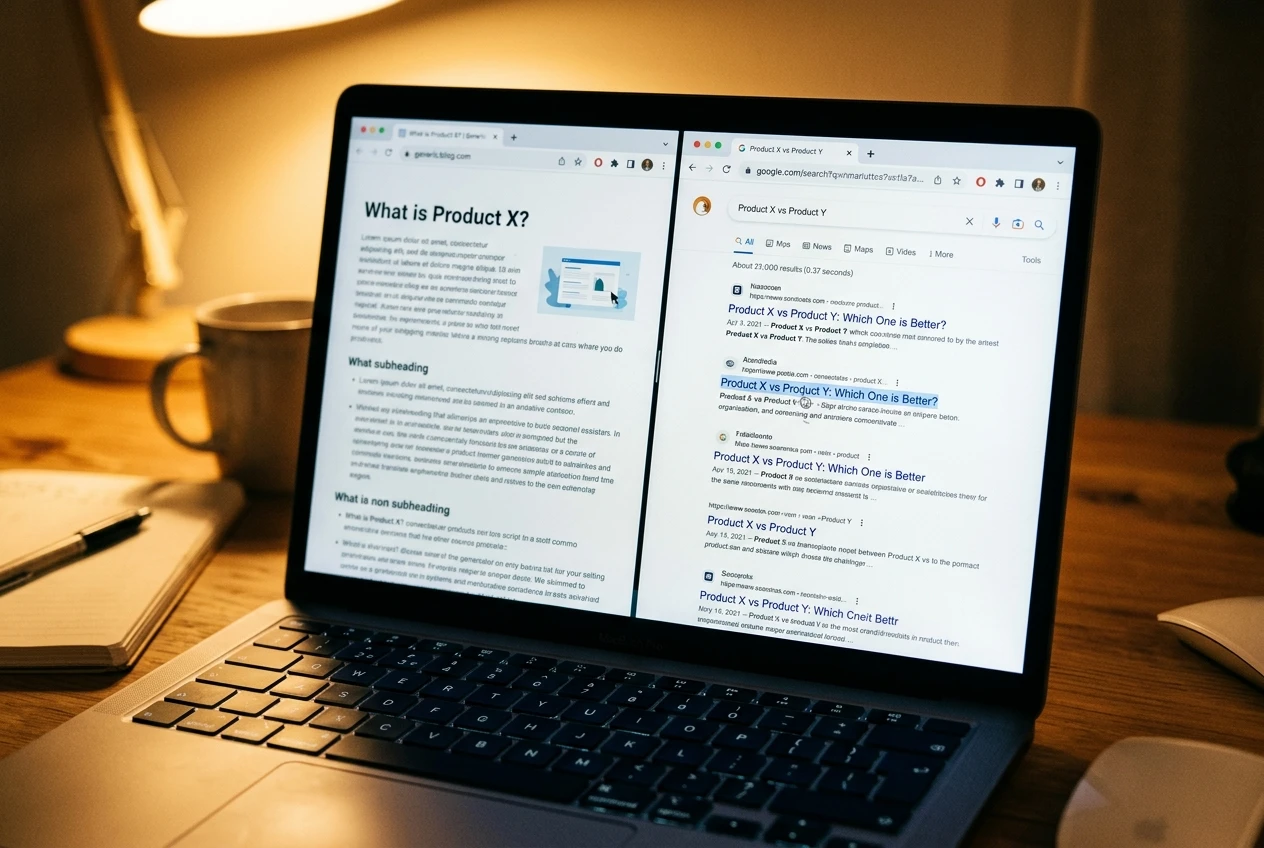
This is why two affiliate marketers can have the same number of links on the same number of pages and get wildly different results. One has scattered links across awareness-stage content where nobody is ready to act. The other has concentrated links at decision points, where the reader’s next move is already “which one do I click.”
Comparison and “best of” pages built around buying intent
Comparison pages and “best of” roundups exist for one reason: the reader has narrowed their options and wants help picking between them. That’s the highest-intent traffic you can get, and it’s worth building pages specifically to catch it rather than hoping a general review post does the job.
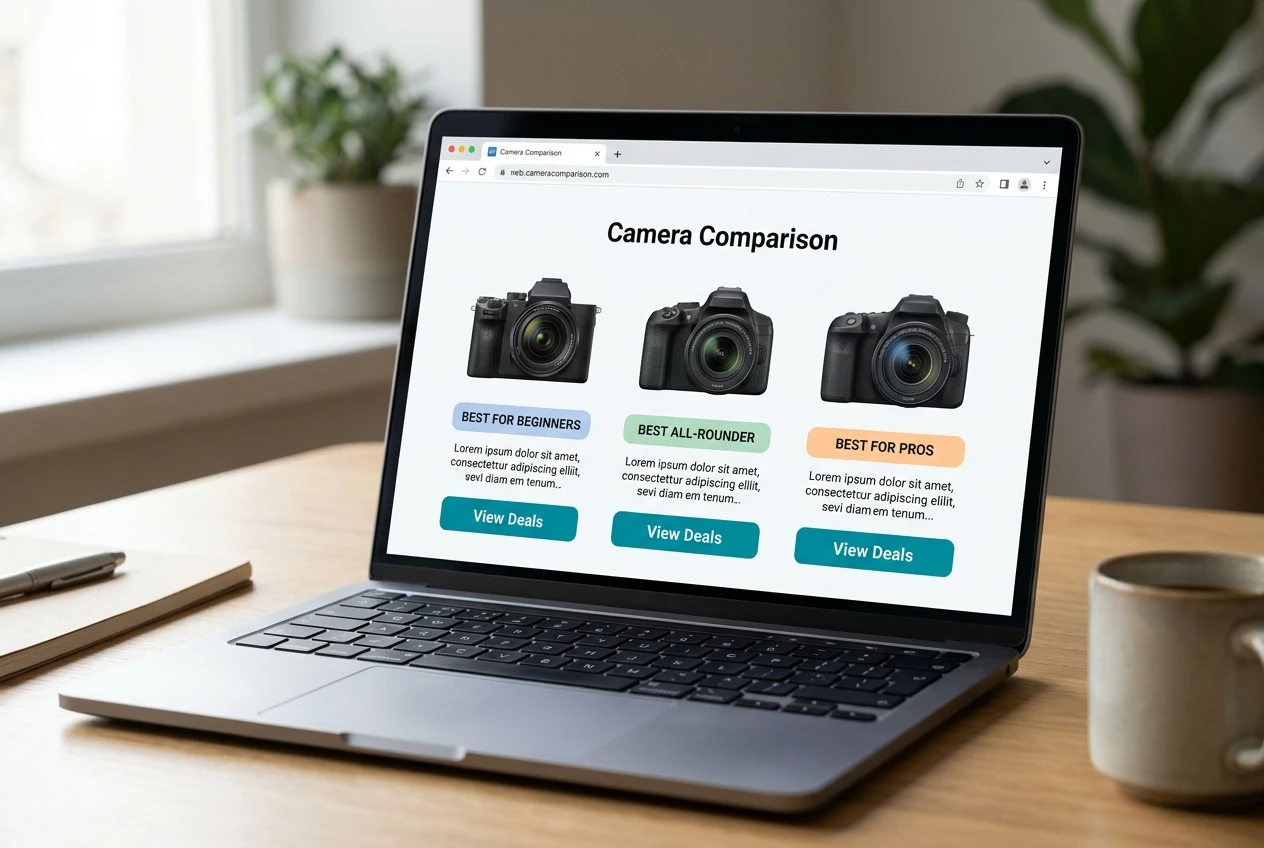
A comparison page works best when it’s honest about tradeoffs rather than pushing one option as universally best. Readers can tell when a “best of” list is just a wrapper around one affiliate link, and they bounce. A page that says plainly which option suits a tight budget, which suits someone who wants more features, and which suits a beginner gives the reader a real reason to trust the recommendation, and the link that follows each recommendation gets clicked because it answers a question the reader already had.
If you’ve written about choosing between approaches before, a comparison format isn’t a stretch. If you’ve covered affiliate marketing or dropshipping, which is better, you already know the shape: lay out the real differences, be specific about who each option fits, and place the link where the decision gets made, not at the top before the reader knows what they’re choosing between.
Finding the exact sentence in old posts where a link belongs
Most affiliate marketers have older posts sitting with no links, or links placed wherever felt convenient at the time. Going back through that content and finding the exact sentence where a link belongs is slower than writing something new, but it’s often more productive, because the post already has rankings and traffic. You’re not building an audience from zero, you’re redirecting one that already exists.
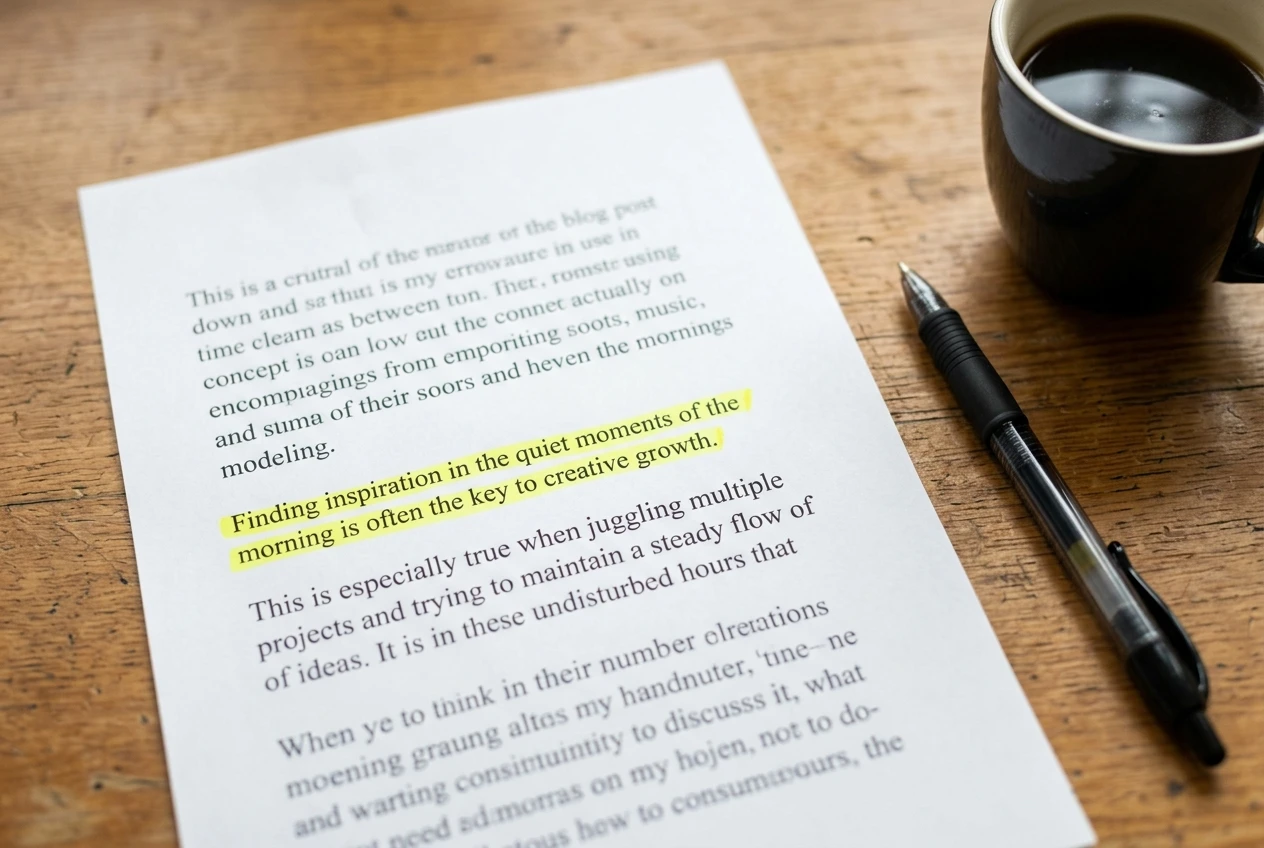
Read the post the way a stranger would. Look for the sentence where a reader would naturally think “okay, so what should I actually use for this.” That’s the sentence, not the paragraph. A link dropped two sentences early loses the reader who hasn’t finished deciding yet. A link dropped two sentences late means the reader has already moved on to the next thought.
Older posts about niche selection or platform choice are especially good candidates for this kind of pass, because they tend to reference tools or services in passing without linking anything. A post like how to choose a profitable niche for affiliate marketing likely has several spots where a specific recommendation would fit naturally into a sentence that’s already there, rather than needing new content built around it.
Turning a blog post into a YouTube description and video pins
If a blog post is getting traffic, the same information can work as a video, and the video description is an underused placement for the same link. Unlike a blog post, where the link competes with the rest of the page for attention, a video description sits right under something the viewer is already watching, and viewers checking the description are almost always looking for exactly what you’d put there: the thing mentioned in the video.

The first line or two of the description is what shows before the viewer clicks “show more,” so the link needs to be near the top, not buried under a block of text. A short sentence that says what the link goes to, followed by the link itself, outperforms a wall of text with the link at the bottom that most viewers never see.
Pinned comments work the same way. A pinned comment with the link and a one-line reason to click it sits at the top of the comment section for the life of the video, catching viewers who skip the description entirely and go straight to the comments to see what other people thought. Between the description and the pin, you’re covering two different viewer habits with the same link, at almost no extra cost beyond the few minutes it takes to set up.
Resurfacing links through email without sounding like a pitch
An email list is a channel you already control, and it’s one of the few places you can resurface a link without waiting for someone to search for it. The problem is that a list used only to push links trains readers to stop opening your emails, which kills the channel faster than almost anything else.

The way around this is to lead with something useful and let the link sit inside that usefulness rather than standing alone as the point of the email. An email that walks through a specific problem, mentions what’s worked for solving it, and links to the relevant post or page reads as a message worth opening. An email that’s just a link and a line telling the reader to click it reads as a pitch, and gets treated like one.
Sequences work better than one-off sends for this. A short series that each covers a different angle on the same topic, with a link relevant to that angle, gives you several chances to resurface the same offer without repeating yourself. Someone who didn’t click the link in email two might click it in email four, once a different part of the problem has been addressed.
Guest posts and resource page outreach that double as backlinks
Guest posts and resource page placements do two jobs at once: they put your link in front of a new audience, and they build a backlink to your own site, which helps the pages you’re trying to rank in the first place. That combination makes this kind of outreach worth the time even when the direct click volume from any single placement is modest.
Resource pages are lists other site owners maintain of useful links in a given topic. Finding these means searching for phrases like “useful resources” or “recommended tools” combined with your topic, then reaching out to ask whether your page fits what they’re already listing. The pitch works best when you’re specific about why your page belongs on their list, not just that you’d like a link.
Guest posts take more effort but give you more control over where the link sits and what sentence surrounds it, since you’re writing the content yourself. The same rule from earlier applies here: the link needs to sit at the sentence where it answers a question the reader of that site already has, not wherever it was easiest to insert. A guest post that reads as a genuine answer to the host site’s audience earns clicks. One that reads as an excuse to drop a link gets cut by the editor before it ever publishes.
Checking which placements convert before you scale the tactic
None of this is worth repeating at scale until you know which placement is actually producing commissions. A comparison page that gets traffic but no clicks is telling you something different from a comparison page that gets clicks but no sales, and both are different from a page that converts well but barely gets visited. Each of those problems has a different fix, and none of them get fixed by building ten more pages in the same pattern.
Most affiliate platforms and link tools let you tag or label individual placements, so you can tell a click from the YouTube description apart from a click from the blog post itself, or a click from email sequence three apart from the comparison page. Without that separation, you’re guessing which channel is doing the work, and guessing is how time gets spent scaling the wrong tactic. This is one of the more common affiliate marketing mistakes to avoid: treating every placement as equally worth repeating instead of checking which one is actually earning before building more of it.
Give a new placement at least a couple of weeks of real traffic before judging it. A single day’s numbers can be noise. Two weeks gives you enough clicks and, ideally, enough conversions to tell whether the sentence you chose, the page you built it on, or the channel you used it in is actually doing the job you built it for.
Open the Studio and turn one of your existing posts into a comparison page using the placements covered here, then track its clicks for two weeks before building the next one.