
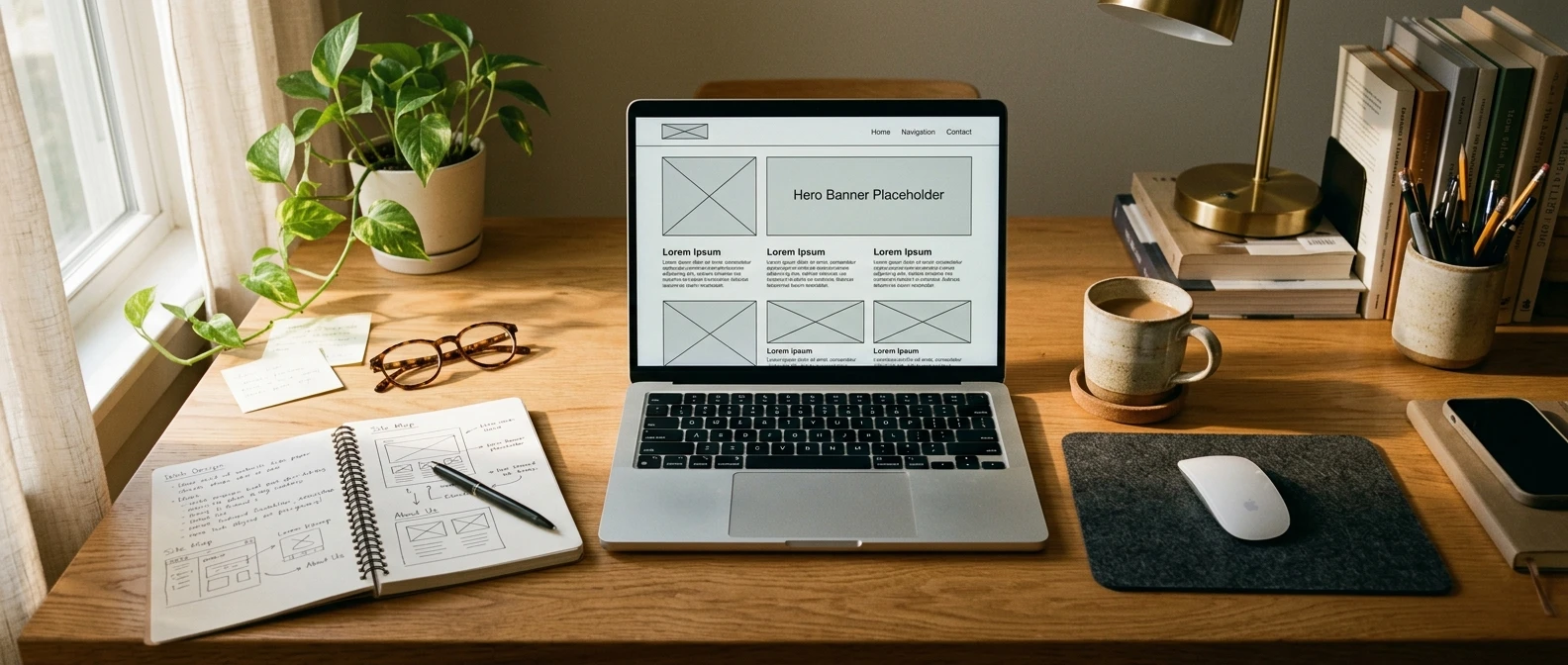
Thirty minutes sounds like a stretch when you have never built a website before, but the number is realistic once you remove the parts that usually eat up the time: picking software, learning to code, and figuring out hosting. SiteRubix inside Wealthy Affiliate handles all three automatically, which means the thirty minutes you actually spend goes into decisions, not technical setup. This walkthrough follows that timeline in order, from naming your site to publishing it, so you can sit down and build alongside it.
Why your website’s first version doesn’t need to be perfect
The homepage you publish today is not the homepage your site will have in six months. It will change as you add content, test what works, and learn more about the people reading it. Treating version one as a draft rather than a final product is what lets you finish it in thirty minutes instead of three weekends.
A website that exists and is live will always outperform a perfect website that is still sitting half finished in your head. Search engines cannot index an idea. Visitors cannot click a plan. The goal for today is a clean, working site with a clear homepage and a few core pages, not a finished business.
What you need before you start the clock
Before you open SiteRubix, have three things decided:
- A general topic or niche you want the site to cover
- A rough idea of what you want visitors to do once they land on it (read, click through to a recommendation, join an email list)
- A short list of two or three possible domain names
None of these need to be perfect either. You are choosing a direction, not a permanent contract. If you have not settled on a niche yet, it is worth working through that decision properly rather than guessing, and this guide to choosing a profitable niche walks through how to pick one that has room to grow.
Choosing a domain name that won’t box you in later
Your domain name is the one part of this process that is hard to change later, so it is worth a few minutes of real thought even inside a thirty minute build.

A few rules keep a domain name useful long term:
- Avoid putting a specific product, brand, or year in the name, since your content will outgrow it
- Favor a name tied to the broad topic rather than one narrow sub-topic
- Keep it short enough to say out loud without stumbling
- Skip hyphens and numbers where you can, since they are easy to mistype
SiteRubix checks availability as you type, so you will know within seconds whether your first choice is free. If it is taken, the tool suggests close variations instantly rather than leaving you to search manually. This step usually takes two to three minutes once you have your shortlist ready.
Picking a SiteRubix theme that looks professional out of the box
Once your domain is registered, SiteRubix asks you to choose a theme. This is where a lot of the “I could never build a professional-looking site” worry disappears, because the themes are built to look finished without any design work from you.
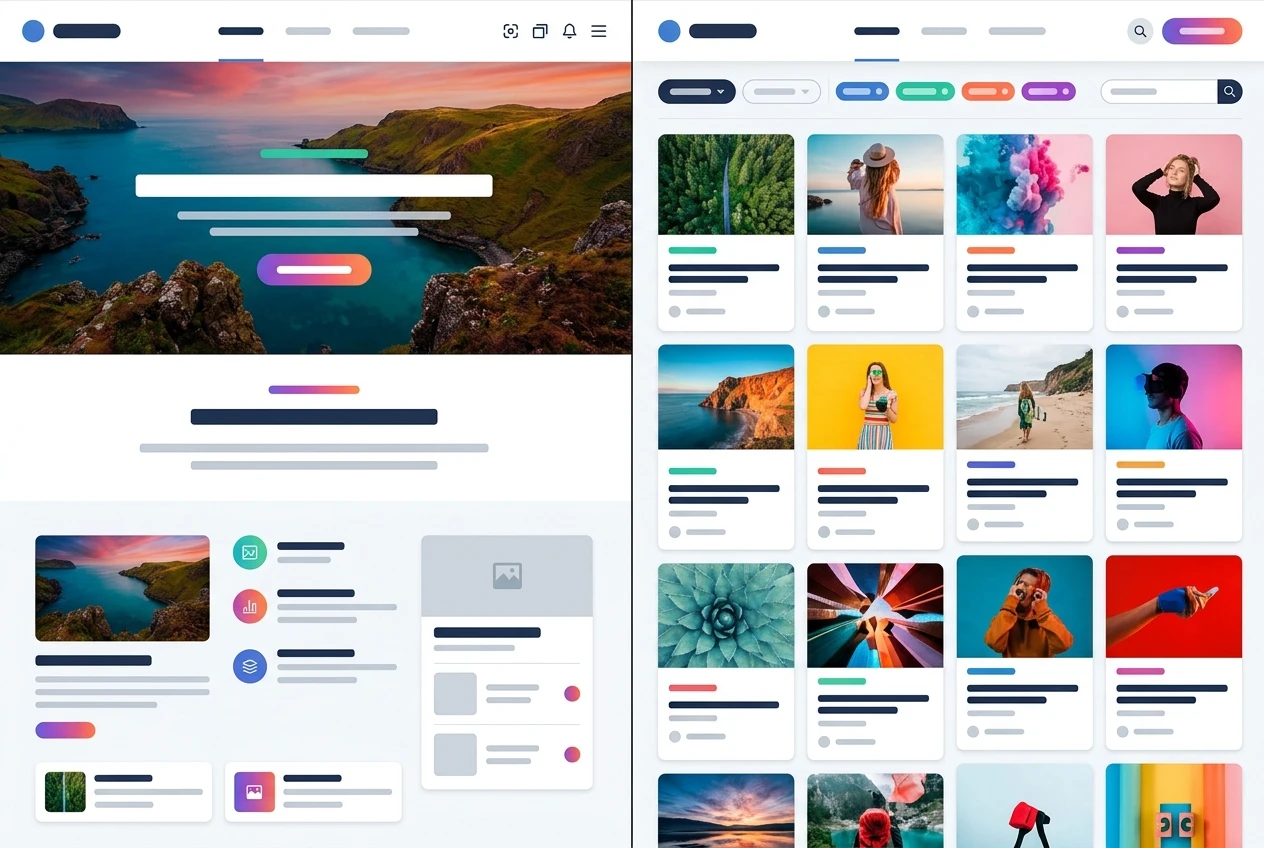
Pick a theme based on layout, not color, since colors are easy to change afterward and layout is not. A theme built around a single large image and clean navigation works well for most niches. One built around grids of articles works better if your site will mostly be content-driven from day one. Either choice is reversible later, so do not spend more than a minute or two here.
Setting up your homepage structure in minutes
With a theme selected, SiteRubix gives you a homepage with placeholder sections already in place: a header, a main content area, a sidebar in some themes, and a footer. Your job now is to swap the placeholders for real text, not to build the structure from scratch.
Write a short headline that states plainly what the site is about. Avoid a clever tagline that requires explanation; a visitor who lands on your homepage should understand the topic within a few seconds. Below the headline, add two or three short paragraphs: what the site covers, who it is for, and what the visitor can expect to find by exploring further. This is the section that often gets stretched into a personal story it does not need. At this stage, keep it about the site and the reader, not a biography.
Adding your logo, colors, and core pages
A logo is not required for a professional-looking first version, but SiteRubix includes a basic logo builder if you want simple text styled into a wordmark. If you do not have a logo ready, a clean text heading in your chosen font works fine and can be swapped for a designed logo later.

Colors matter more than most beginners expect, because they are what make a site feel put together rather than default. Pick one primary color and one accent color, and apply them consistently through the theme’s customization panel rather than picking a different shade for every section.
Alongside the homepage, add three core pages before you publish:
- An About page that explains what the site covers and why a visitor should trust it
- A Contact page, even if it is just a simple form
- A Privacy Policy page, which most website tools, including SiteRubix, can generate a basic version of for you
These three pages round out a site so it reads as a real destination rather than a single page with nothing behind it.
Publishing your site and checking it actually works
Publishing inside SiteRubix is a single action: once your pages are in place, you hit publish and the site goes live on the web immediately, with hosting already included. There is no separate step for connecting a server or installing anything.
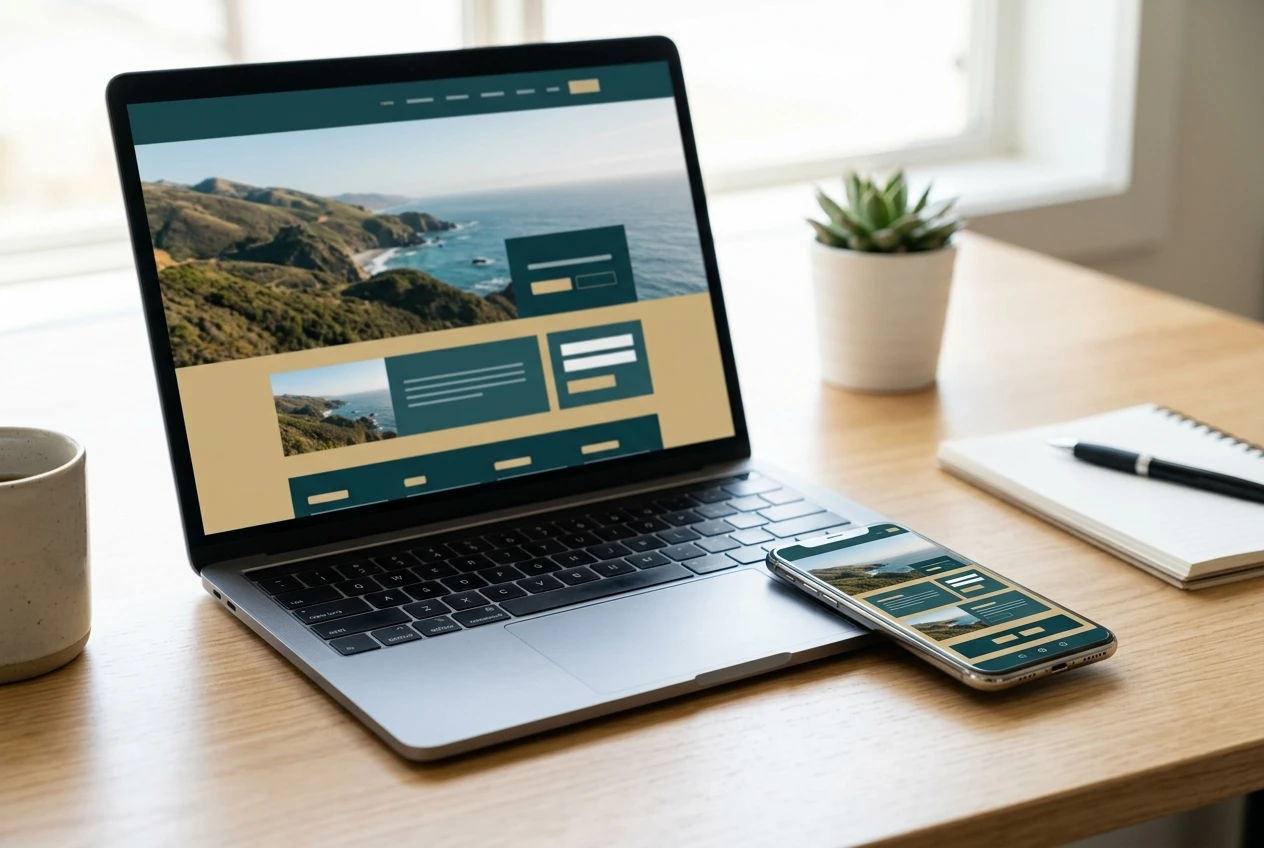
After publishing, check the site the way a stranger would see it, not the way you see it while editing:
- Open the site in a new private browser window, not the one you built it in
- Click every link in your navigation menu to confirm each page loads
- Check the site on your phone, since a meaningful share of visitors will arrive on mobile
- Load the homepage from a slow connection if you can, to catch anything that stalls
This checking pass takes two or three minutes and catches the most common beginner mistake: publishing a site that looks right in the editor but breaks somewhere a visitor would actually click.
What to build next now the foundation is live
With the site published, the thirty minute build is done, but the site itself is just getting started. The next useful moves, in roughly the order worth tackling them:
- Write your first real article or page of content, since a homepage with no content behind it will not hold a visitor’s attention or rank in search
- Set up basic navigation so new pages are easy to find as you add them
- Decide where any affiliate links or recommendations will eventually sit on the page, even before you add them, so the layout supports them naturally
- Revisit your color and logo choices once you have lived with the site for a week, since what looked good during setup sometimes needs a small adjustment once real content is in place
None of these need to happen today. The foundation is live, which means every hour you spend from here forward goes into building the site rather than setting it up.
If you want to see your new site built with SiteRubix, open Wealthy Affiliate and build your own site while this walkthrough is still fresh in your mind.