
Wealthy Affiliate has been around long enough that most people researching it have already read a dozen reviews that either oversell it or tear it down for clicks. This one is meant to do neither. It walks through what a membership actually includes as of 2026, what you get at each level, and where it might not be the right fit, so you can make a decision based on what is actually inside rather than what an affiliate wants you to believe.
What Wealthy Affiliate Actually Is (and Who It’s Built For)
Wealthy Affiliate is a training and hosting platform built around one core activity: building a website in a niche you choose, and monetizing it through affiliate marketing. It bundles the parts that usually get scattered across five different tools, structured course content, website hosting, keyword and niche research, and a community of other people doing the same thing, into one membership.
It was not built for people chasing a side hustle that pays out in a weekend. It was built for people willing to treat an online business like an actual business: pick a topic, publish consistently, build traffic, and earn through affiliate commissions over months rather than days. If you’re drawn to the idea of owning a website that works for you long after you’ve stopped writing for it, this is the kind of platform designed around that outcome.
It suits complete beginners who have never touched a website, and it also suits people who already have a site elsewhere and want structured training plus a community to check their work against. What it doesn’t suit is someone looking for a done-for-you system where the income arrives without the site, the content, or the time behind it.
Inside the Training: What You Learn and How It’s Structured
The training sits inside a tab called Learn, and it’s organized around Focuses rather than loose video lessons. Each Focus covers one specific skill or decision, niche selection, keyword research, on-page SEO, email, and inside it you work through Moves: Ask, Watch, and Read. Ask gives you a way to put a question directly against that topic, Watch is video instruction, and Read is the written walkthrough. You’re not locked into one learning style; you can watch a lesson, then read the same material in text, then ask a specific question about your own situation.
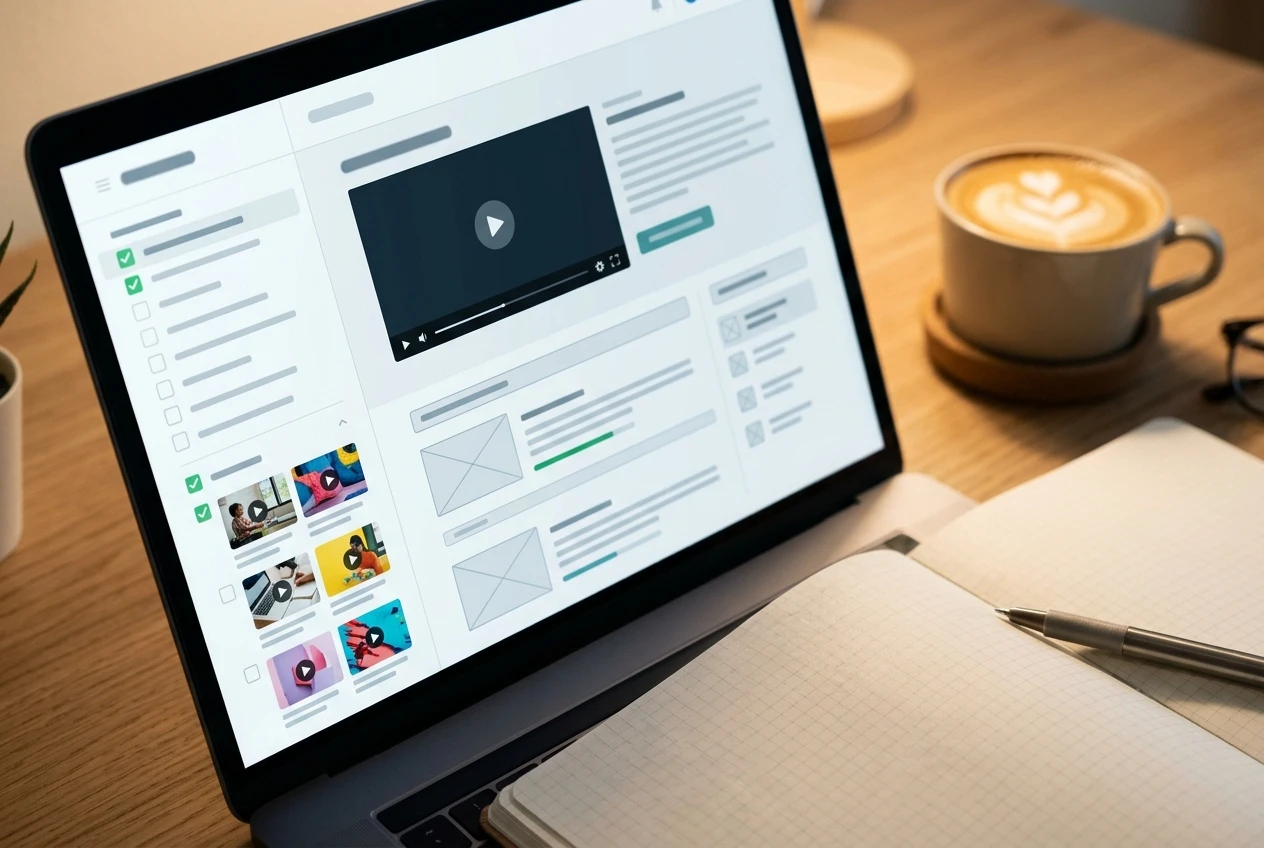
Beyond the Focuses, your actual website work lives inside a Hub, and the Hub comes with its own gameplan made up of Tasks. These are the concrete, ordered actions: set up your site, publish your first pages, connect your research, build out a content plan. It’s less “watch 40 hours of video” and more “here is the next thing to actually do,” which matters if you’ve tried self-paced courses before and stalled out without a clear next step.
If you’ve already read through how to pick a niche for affiliate marketing, the training inside Wealthy Affiliate covers the same ground in far more depth and ties it directly to the Hub you’re building, which is worth doing early since your niche choice shapes almost everything that follows.
There’s also LIVE, a schedule of live classes inside Learn, covering timely topics, platform updates, and deeper dives that the self-paced Focuses don’t always get to. The recordings stay available afterward, so missing the live session doesn’t mean missing the content.
The Tools That Come With Membership: Hosting, Website Builder and Research
A membership isn’t just training wrapped around a forum. It comes with the infrastructure to actually build and run a website.

Hosting is included, which removes one of the more confusing early decisions for a beginner: which hosting company, which plan, how to point a domain at it. Your site sits on the same infrastructure the training assumes you’re using, so the lessons about site speed, security, and structure apply directly rather than needing translation to whatever host you picked separately.
The website builder itself is straightforward WordPress, with templates and a setup wizard that gets a new site live in a short amount of time rather than requiring you to piece together a theme and plugins from scratch. For someone who has never built a website, this matters more than it sounds like it should; a lot of people quit before they publish a single page simply because the technical setup felt too big to start.
Research tools sit alongside this: keyword research built into the platform, niche and competition data, and increasingly, an AI content Studio with a Writer and an Artist that can draft and illustrate articles for your Hub. Using the Studio’s agents is billed in Credits, charged at whatever the work actually costs to run, and a piece that doesn’t generate properly costs you nothing. It’s a meaningful shortcut for the parts of content creation that otherwise eat the most time, though it still works best when you already understand your niche and audience well enough to direct it, which is exactly what the earlier training is for.
None of this replaces understanding where your content and links actually belong on a page. If you want the specifics on placement and click-through, the piece on where to put your affiliate links so people actually click them is worth reading alongside the in-platform training, since it fills in a practical detail the broader course content touches more lightly.
The Community and Support: What Help Actually Looks Like
The community is one of the parts that’s hard to appreciate from the outside until you’ve used it. Every member’s profile has a comment and message feed, and the culture is built around asking specific questions and getting specific answers, not vague encouragement. Post a question about why a page isn’t ranking, and you’ll typically get other members looking at the actual page and responding with what they see, not a generic “keep going.”
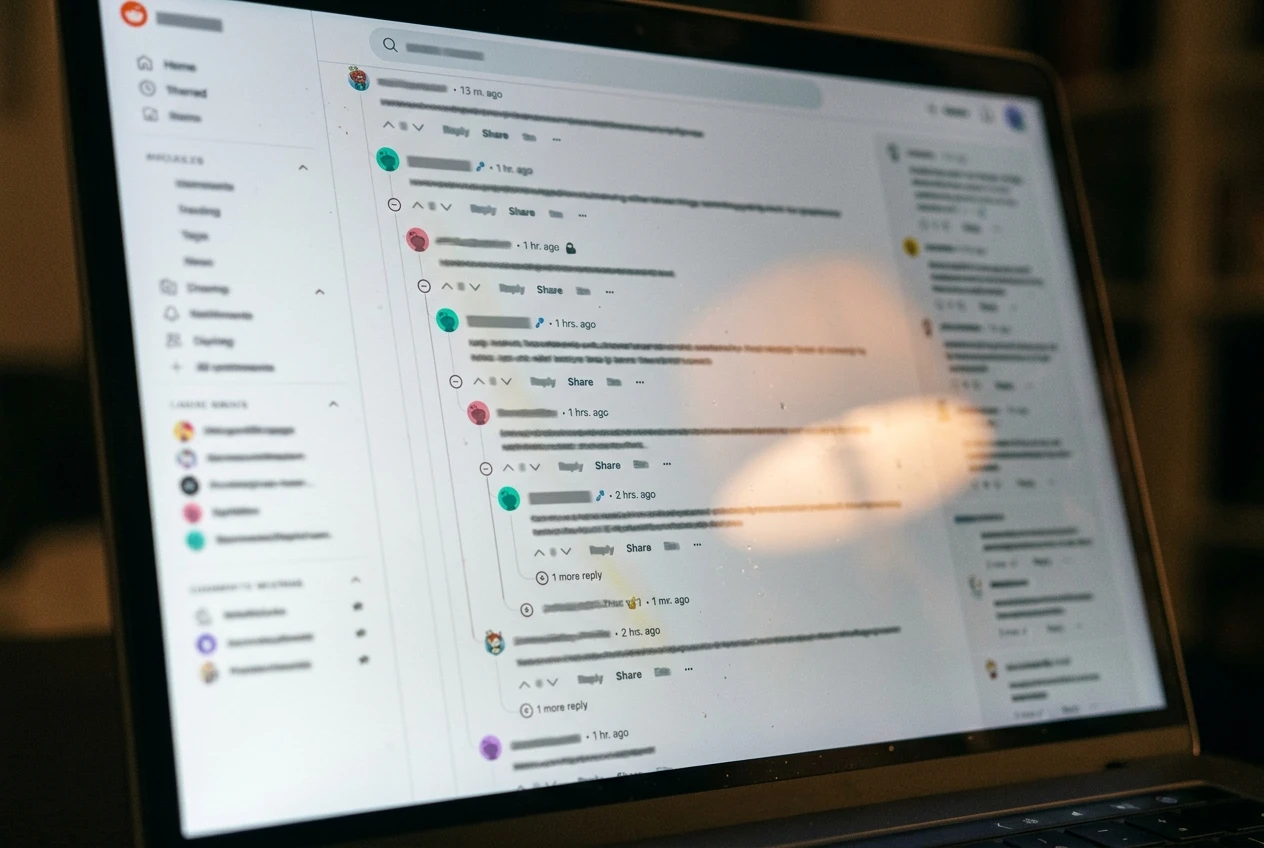
Support works the same way through live help functions and the Ask move inside each Focus, where you can put a direct question against the lesson you’re on. That matters because generic troubleshooting articles rarely answer the question you actually have at two in the morning when a plugin isn’t working or you’re not sure which category to put a page in.
The community also functions as an accountability layer that’s easy to underestimate. Publishing consistently is one of the hardest parts of running an affiliate site, and seeing other members post their own progress, and responding to theirs, creates a rhythm that’s harder to build alone. It’s not a replacement for doing the work yourself, but it does make it easier to notice when you’ve quietly stopped.
What It Costs and What Changes Between the Free and Paid Levels

There’s a free starter level that gives you real access rather than a locked demo: you can create a Hub, start building a site, work through an initial set of Focuses, and get a feel for how the training and community actually operate before spending anything. That’s worth using fully before deciding whether to upgrade, since it’s the only way to judge fit against your own learning style rather than someone else’s review.
The paid level opens the full Learn library, the complete LIVE schedule and its recordings, full hosting for your site or sites, and the rest of the research and support tools without the caps the free level carries. Current pricing and what’s included at each tier is laid out clearly once you’re inside, so it’s worth checking there directly rather than relying on a number that may have shifted by the time you read this.
The practical way to think about the free level is as a genuine trial of the method, not just the interface. Spend real time in it, publish something, work through a Focus or two, and the upgrade decision becomes a lot easier because it’s based on how you actually used it rather than how it looks from the outside.
The Honest Downsides and Who Might Want to Look Elsewhere
No platform fits everyone, and a few things are worth naming plainly.
The training is built around the affiliate marketing model specifically. If you’re set on dropshipping, print-on-demand, or a different monetization path entirely, the lessons here won’t map onto that as directly, and you’d be better served by training built for that model. There’s a comparison of affiliate marketing against dropshipping worth reading if you’re still weighing which model actually fits what you want to build.
It also assumes you’re willing to put in consistent time over months, not days. Nobody inside the platform promises fast income, and anyone selling you that promise, inside or outside Wealthy Affiliate, is worth being skeptical of. If you’re looking for something closer to quick cash for immediate tasks, options like paid online surveys exist, though they come with their own tradeoffs worth understanding before you rely on them.
The community, while genuinely helpful, is text-based and self-directed. It’s not a coach assigning you daily work; you have to show up and ask. Some people thrive on that structure, and others need more direct accountability than a forum, however active, can provide.
And because the Hub puts hosting, training, and tools under one roof, you are somewhat tied to that ecosystem while you’re building inside it. That’s a reasonable tradeoff for the convenience, but it’s worth knowing going in rather than discovering it later.
Who Should Join Wealthy Affiliate in 2026
If you’re starting from zero and want one place that covers the niche decision, the website setup, the content and SEO training, and a community to check your work against, this is a strong fit. The structure removes a lot of the early decisions that cause people to stall before they ever publish, and having hosting, training, and research tools in one Hub means less time spent stitching unrelated tools together.

It’s also a solid fit if you’ve tried building a site on your own before and got stuck, whether that was on the technical setup, the content plan, or simply not knowing what to do next. The Task-based gameplan inside a Hub exists specifically to answer “what now” at each stage, which is often the exact point where self-taught attempts fall apart.
If you already have a clear system you’re committed to outside affiliate marketing, or you’re looking for guaranteed fast income rather than a business built over time, this isn’t the right fit, and that’s fine. If you’re still weighing Wealthy Affiliate against other platforms generally, the roundup of the best affiliate marketing platforms for beginners covers that broader comparison directly.
For anyone still on the fence, there’s a straightforward way to find out without any financial risk. Create a free account and spend a day inside the training before deciding whether to upgrade. You’ll come out of that day with a clearer sense of whether this is the structure and support you’ve been looking for than any review, including this one, can give you.